Making coffee — the “Hello World” of videography. (@b_erb, 29.11.2011)
This is the first little video I made with the 5D: How I make coffee in the morning.
Usually you let the coffee brew in the french press for about five to ten minutes, depending on how strong you want it. Besides that I often give a pinch of salt into the grinded beans. I have the impression that this takes out some of the bitterness.
direct link to vimeo
Tamron 28-75mm f/2.8
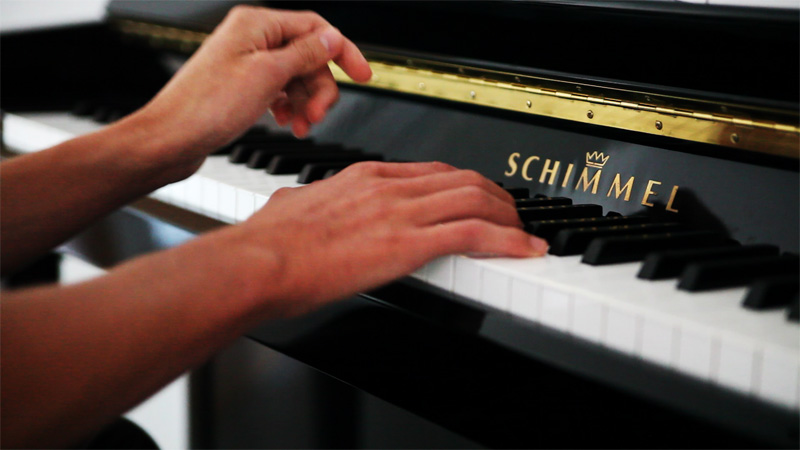
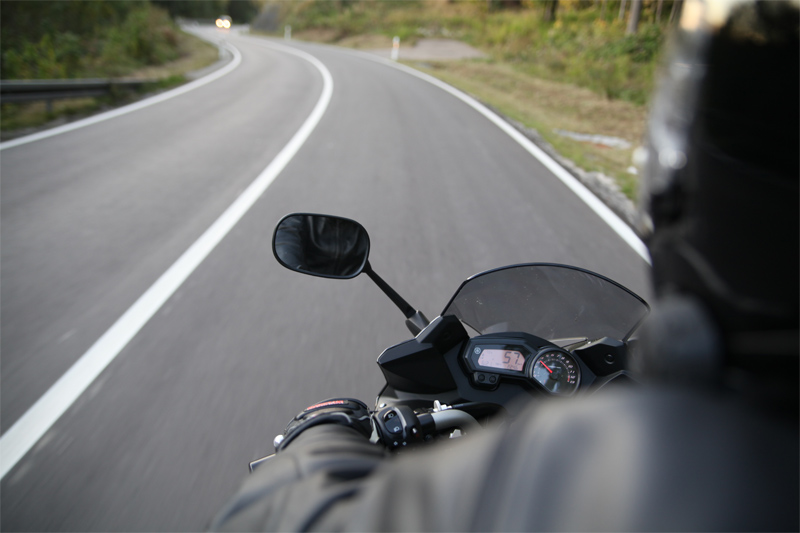
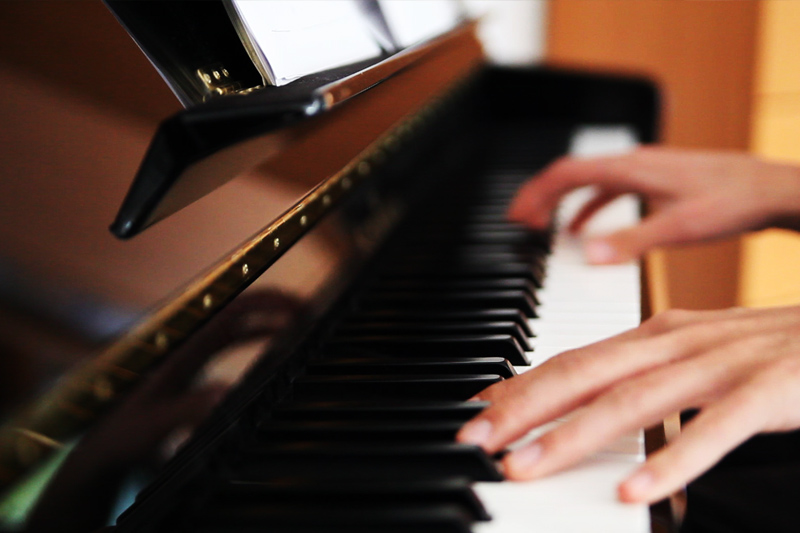
These are some snapshots from a few FullHD videos I shot of my brother improvise on the piano. I am not sure if I can cut the material to a film but some snapshots from the videos look pretty good (though there is some noise).
A while ago I found myself searching for some piano photos, maybe there is someone in a similar situation who can take some use of them.
The full sized photos can be found here (.zip, 3.1 MB).
Yeah have been looking forward to get one for a very long time. Since there are rumours that new Canon models are to be released soon the prices dropped heavily. I was lucky to get a good price for a used body in excellent condition on eBay.
My second choice would have been the 7D (60p is some great argument!), but the amazing film quality (full hd) and the full frame of the 5D just outweighs the 7D for me.
Actually I have been thinking about studying film school before deciding for computer science. Whilst in school I was pretty enthusiastic about movies and did a lot of filming and cutting. I recently came across this clip from the upcoming movie “Drive” and just thought “Damn, I really have to get back to filming and photography“.
Still thinking about where to put the pics. Blog? Nah, don’t want a whole post for every single shot. Probably flickr.
So you are going to encounter a lot more photography and video stuff here in the near future :).
Photos made using a Tamron 28-75mm f/2.8.
Last weekend nearly 300 teams of up to 4 people participated in the global Node.js Knockout — a 48hr Hackathon. We had a team from Ulm participating: Stefan, Benjamin, Simon & myself.
We decided to create a website that visualizes public transportation movements from Ulm on a map.
What we did was to transform time tables into a digital format called GTFS (a format for public transportation schedules and related geographic data). The shape files (the route a bus takes) were scraped by faking HTTP requests to a public webservice. A parser then reads the GTFS files and transforms them into comfortable JavaScript objects (GeoJSON, etc.). This data is then used to generate a live map. The maps are done using Open Street Maps material with a custom Cloudmade style. The frontend was created using Leaflet, among other libraries.
Browser communication for “live” events is done using socket.io. Socket.io is a very clever project, what they basically do is to implement websockets so that they work everywhere. This cross-browser compatibility is done by using a variety of techniques like XHR long polling or flashsockets. socket.io enables you to have an asynchronous communication between client-server. This way you can build realtime webapps.
If you go to the website you see a visualization of the time tables. It is live in the sense that it is the exactly how the pdf time tables look. It is not realtime, however. We hope to replace the GTFS feed with a GTFS-Realtime feed one day.
The whole project was build using JavaScript as the only programming language.
Further links:
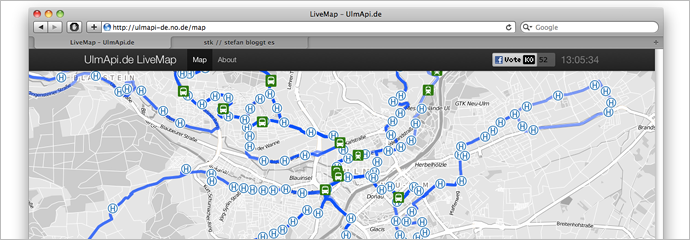
Oh by the way: You can throw any GTFS data in there. Some cities (none from germany) have public data available (see list). The project can be used as a general way to visualize GTFS data. Just change the line var gtfsdir = "ulm"; in server.js. We tried Ontario and it worked like a charm, however if your files are too big you will have problems since V8 (the JavaScript engine under the hood of node.js) is currently limited to a fixed memory size of 2G. Also note that some cities don’t offer shape files.
Also notice: We didn’t get around to create GTFS data for the whole time table. So you don’t see every bus / tram on the map.